

A new update is available for Profile Audio Player & Library by XenCustomize.
Profile Audio Player & Library 2.1.4
Update highlights
Profile Audio Player version 2.1.4 is now available for all licensed customers to download. In this update, we've implemented a new feature, thanks to the funding provided by @Vercingetorix. More detail on our support forum.
Complete Change Log

Read more about this product...
Profile Audio Player & Library 2.1.4
Update highlights
Profile Audio Player version 2.1.4 is now available for all licensed customers to download. In this update, we've implemented a new feature, thanks to the funding provided by @Vercingetorix. More detail on our support forum.
Complete Change Log
 What's new?
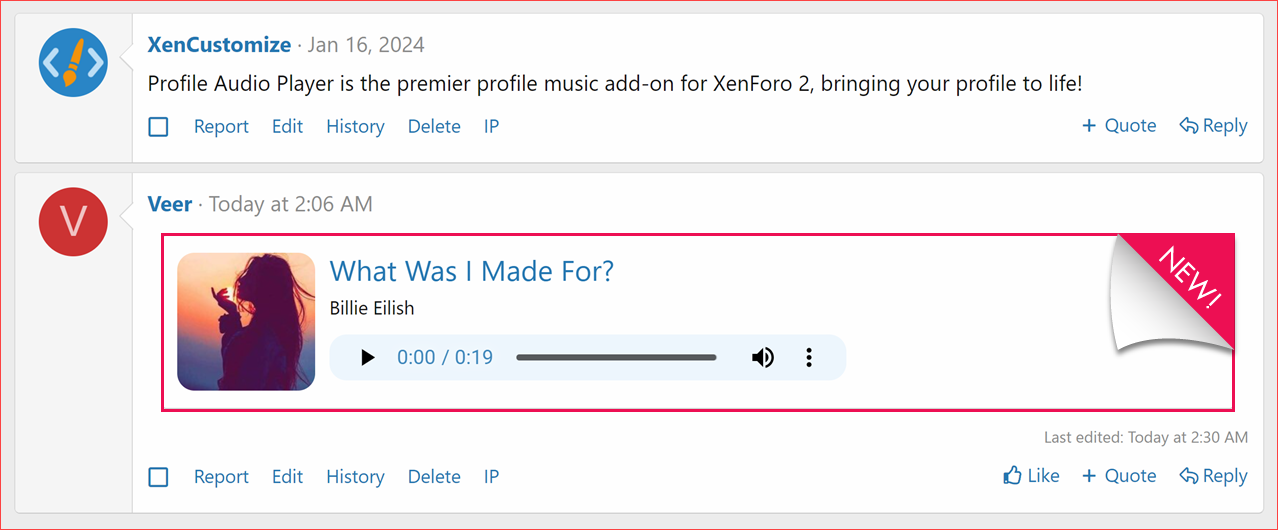
- Audio Track BB Code with Playback:
- A new HTML5 audio player plays audio tracks embedded with the Audio BB code.
- Audio playback respects user group permissions: Users with the "Listen Track" permission can access audio playback.
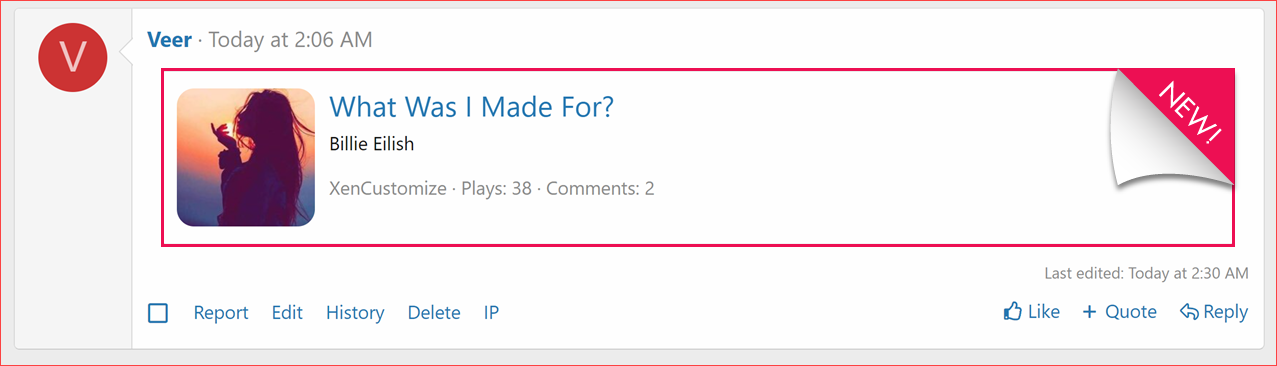
- Display alternate content when playback is disabled or user don't have permission to listen.
- New Admin option:
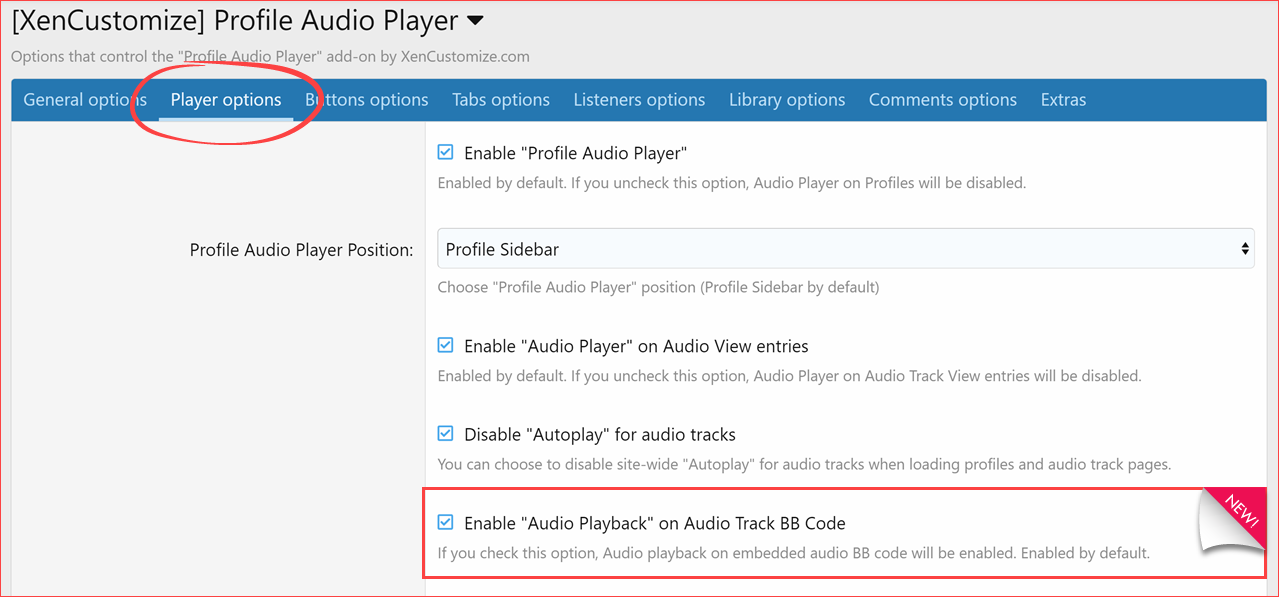
- Enable "Audio Playback" on Audio Track BB Code.
- Enabled by default. This option allows audio playback when embedded with the Audio BB code.
- New Style Properties:
- BB code player background
- BB code player color
 Upgrade Notes
- When upgrading please ensure that you
 the "Overwrite existing files for add-on rebuilds / upgrades" option.
 - If uploading files using an FTP or file manager, you have to overwrite all files.
- After upgrading, please make sure to revert the modified templates to ensure the changes take effect.
- Changed templates:
xcu_profile_audio_view
- Changed templates:
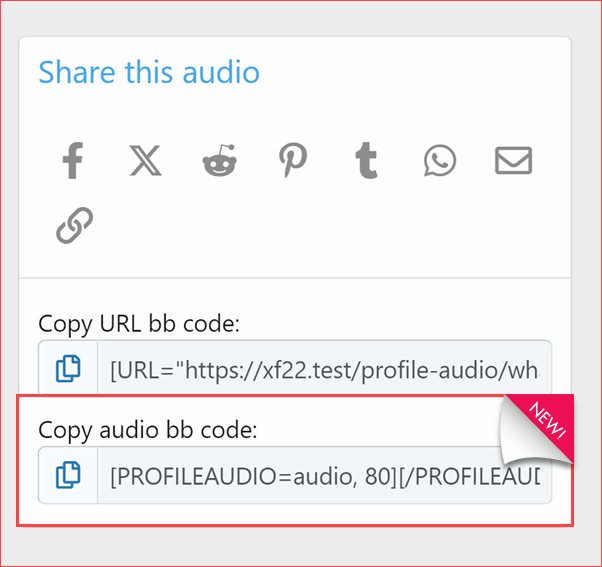
Copy Audio BB code
Audio Track BB Code with Playback
New Admin option
View without permission or when the above option is disabled:
New Style Properties
Read more about this product...


