

Today we're delighted to roll out our 5th update in a row  ! This latest version brings style properties and gives admins greater control over event view sections like Event Notes, Location, and Purpose.
This is probably our final update for the 1.1 series, and with all reported bugs fixed, it's our most stable release yet! Enjoy!
If you appreciate our commitment and hard work, please take a minute out of your valuable time to rate the add-on


! This latest version brings style properties and gives admins greater control over event view sections like Event Notes, Location, and Purpose.This is probably our final update for the 1.1 series, and with all reported bugs fixed, it's our most stable release yet!
Enjoy! What's New
- Style Properties (Suggested by @Azure Ace @Paul)
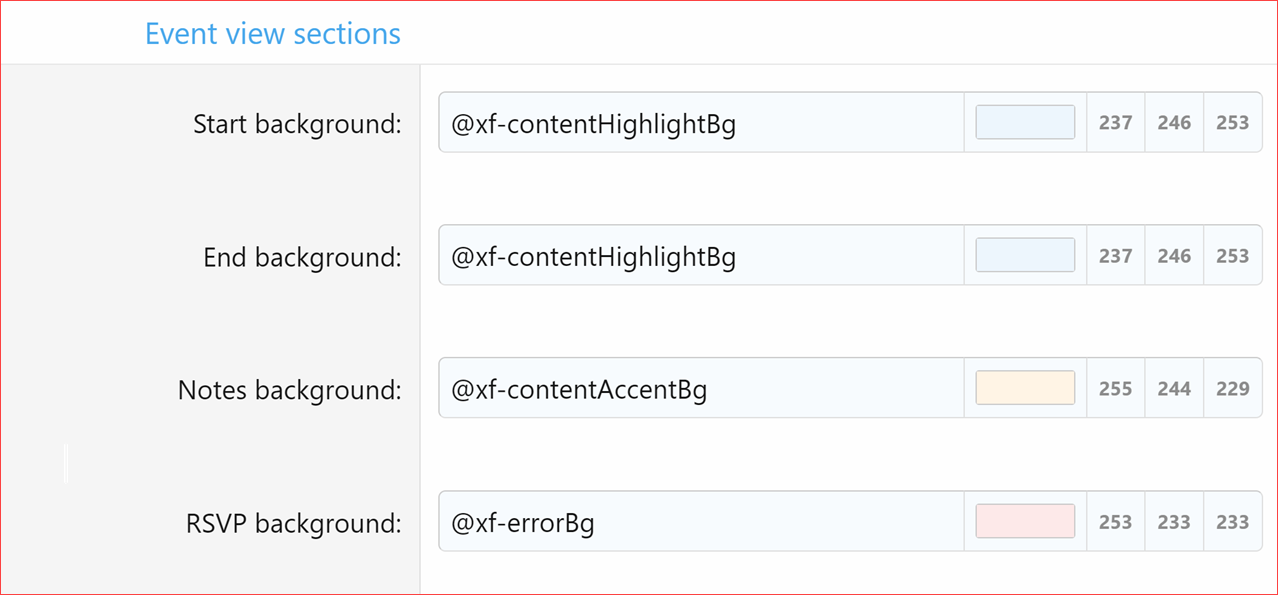
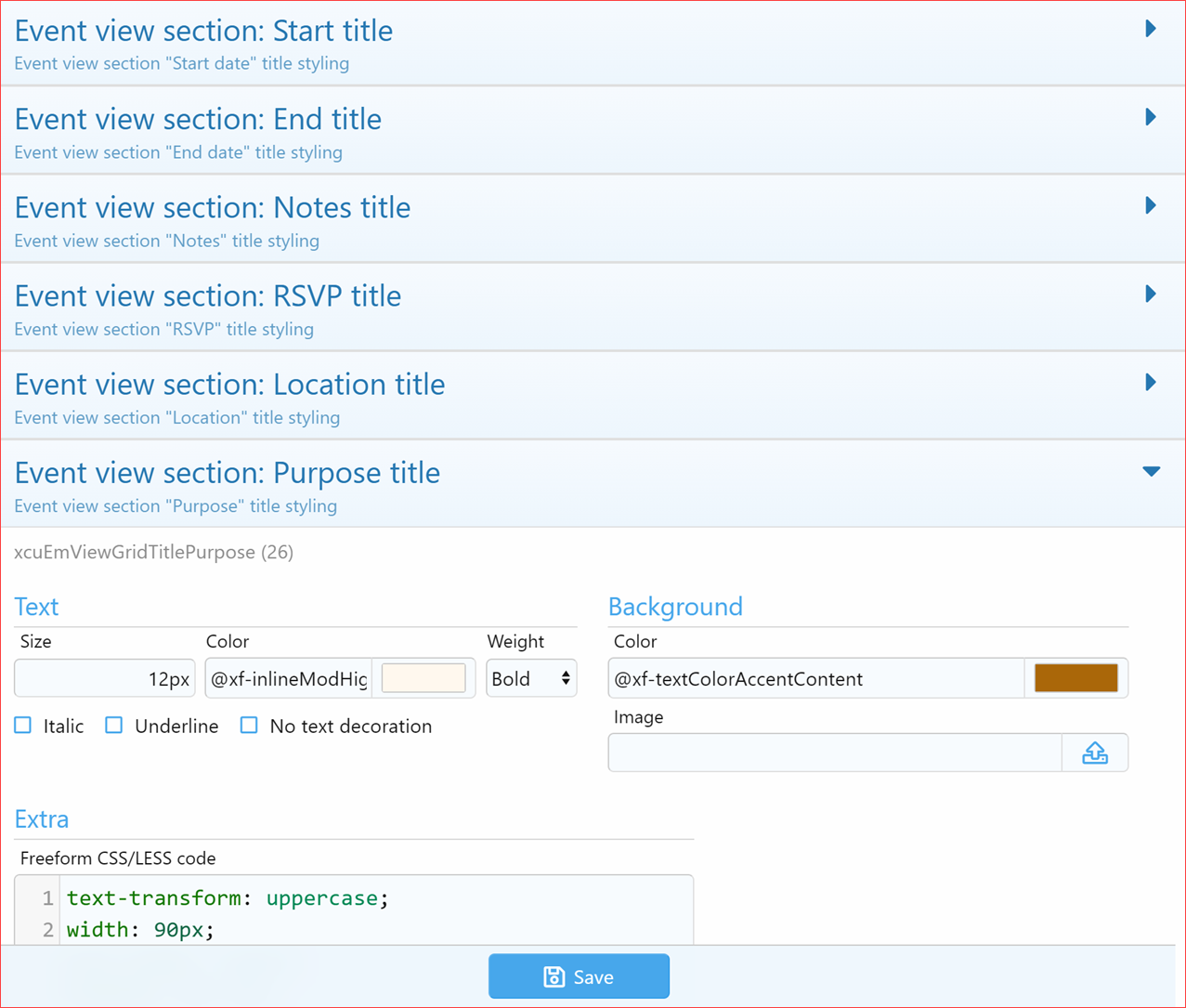
- Added style properties to Event view sections, making it easier to customize styles, especially for dark themes.
- Event view section
- Start background
- Start title (Text, Background, and Freeform CSS/LESS code)
- End background
- End title (Text, Background, and Freeform CSS/LESS code)
- Notes background
- Notes title (Text, Background, and Freeform CSS/LESS code)
- RSVP background
- RSVP title (Text, Background, and Freeform CSS/LESS code)
- Event view section
- Added style properties to Event view sections, making it easier to customize styles, especially for dark themes.
- Allow Event Notes (Suggested by @Azure Ace)
- Admins can turn the event notes feature on or off for the entire add-on.
- If enabled, event creators will have the option of setting multiple event notes.
- Display Location Below Content
- Admins can turn the event notes feature on or off for the entire add-on.
- If disabled, the 'Location' link, map icon, and button will not appear in the content below.
- Display Purpose Below Content (Suggested by @smallwheels)
- Admins can turn the event purpose feature on or off for the entire add-on.
- If disabled, creators won't have the option to enter a 'Purpose' when adding or editing an event. Also, any existing 'Purpose' data will not be displayed.
Upgrade Notes
- After upgrading, please make sure to revert the templates to ensure the style properties work correctly.
 Rate and Review
If you appreciate our commitment and hard work, please take a minute out of your valuable time to rate the add-on


